Digital Zen blocks distracting websites on a schedule and structures your day with a built-in Pomodoro timer.
 Add to Chrome — It's Free
Free · No account · Works offline



Open the browser "for a second" — lose 40 minutes
Workday ends, the main task still isn't done
Every interruption breaks your flow for 20 minutes
Tried focus apps — too complicated to set up
Set which sites to block and when — then just work. The built-in Pomodoro timer helps you alternate focus and rest without thinking about it.
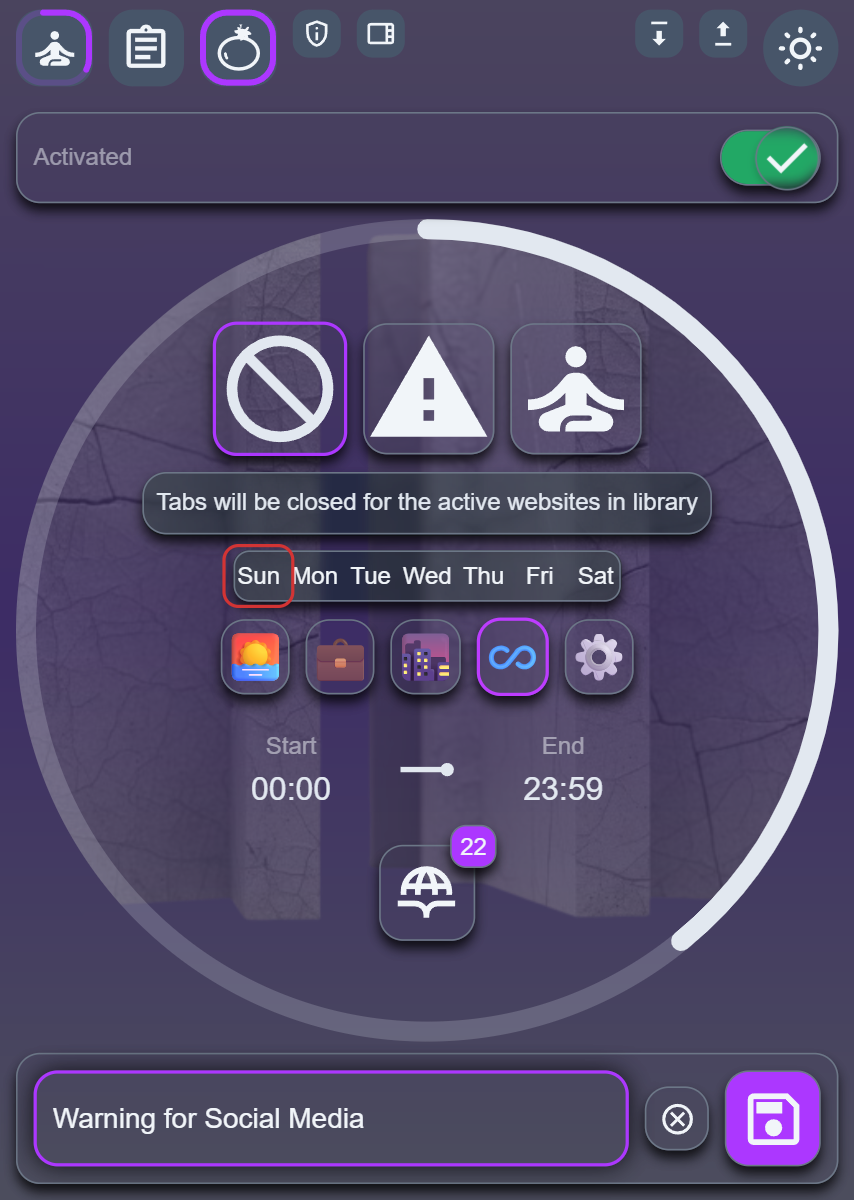
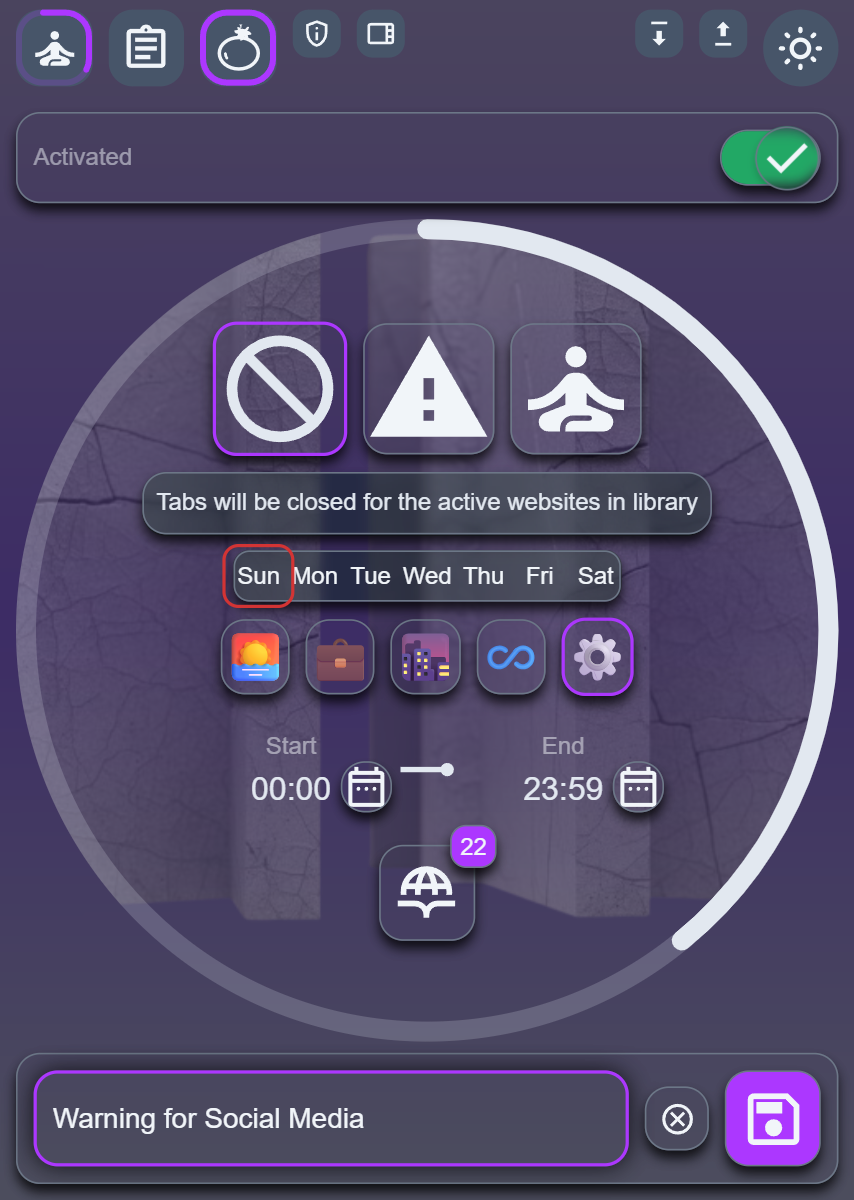
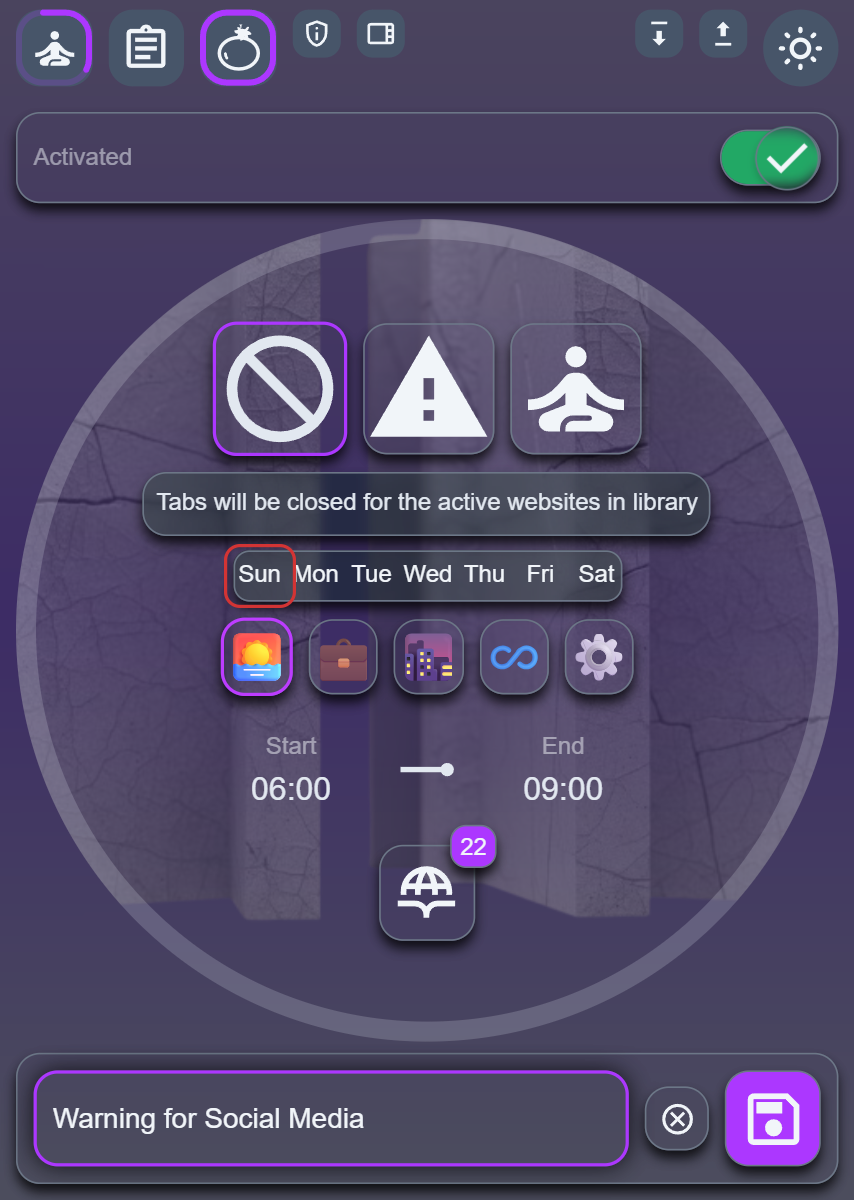
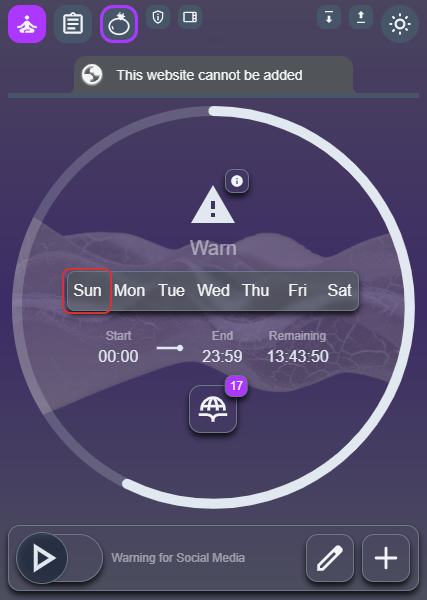
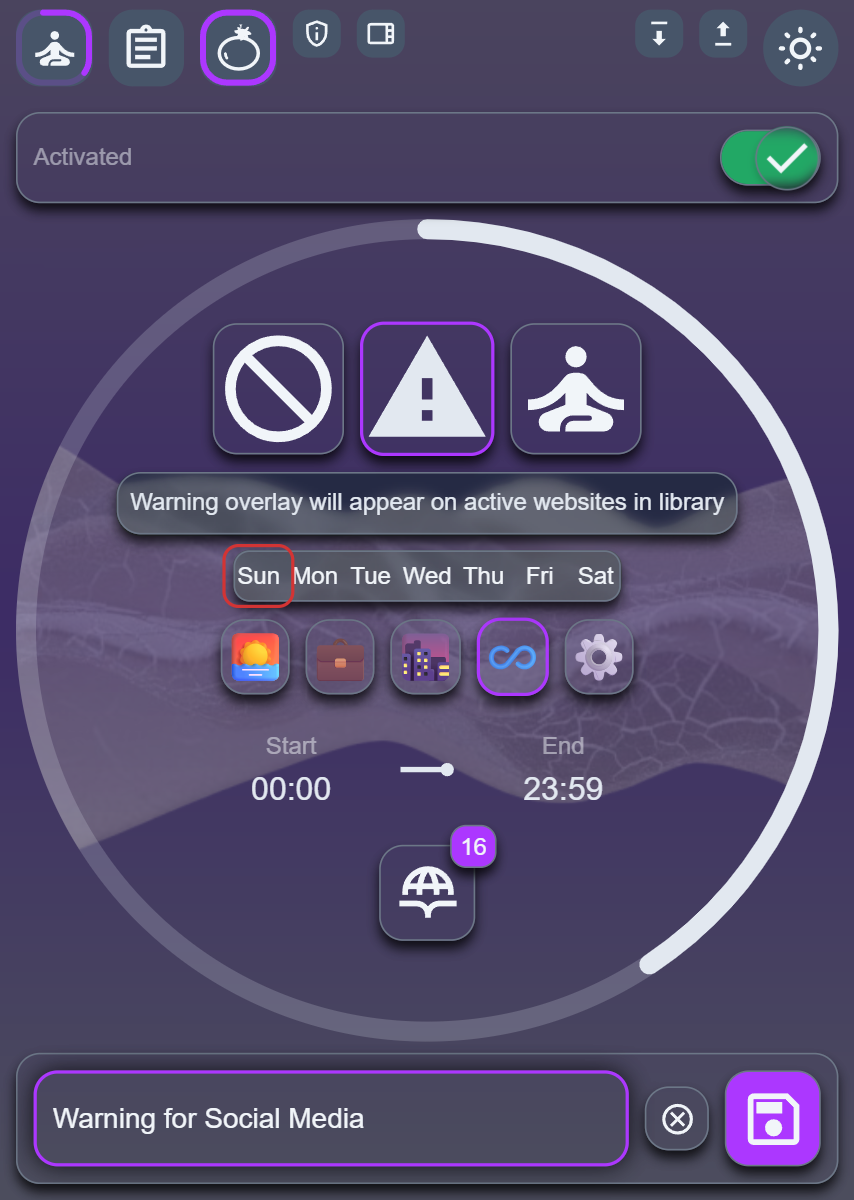
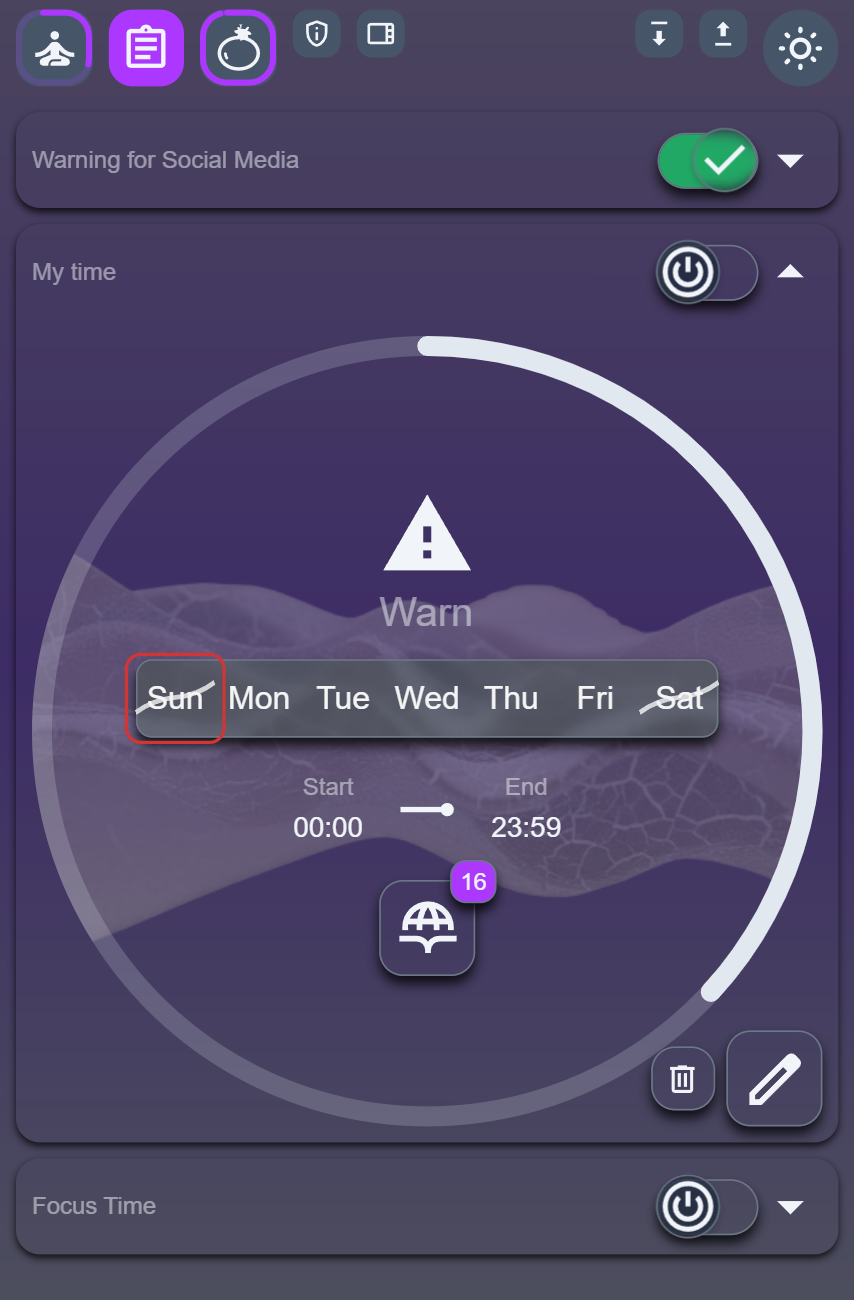
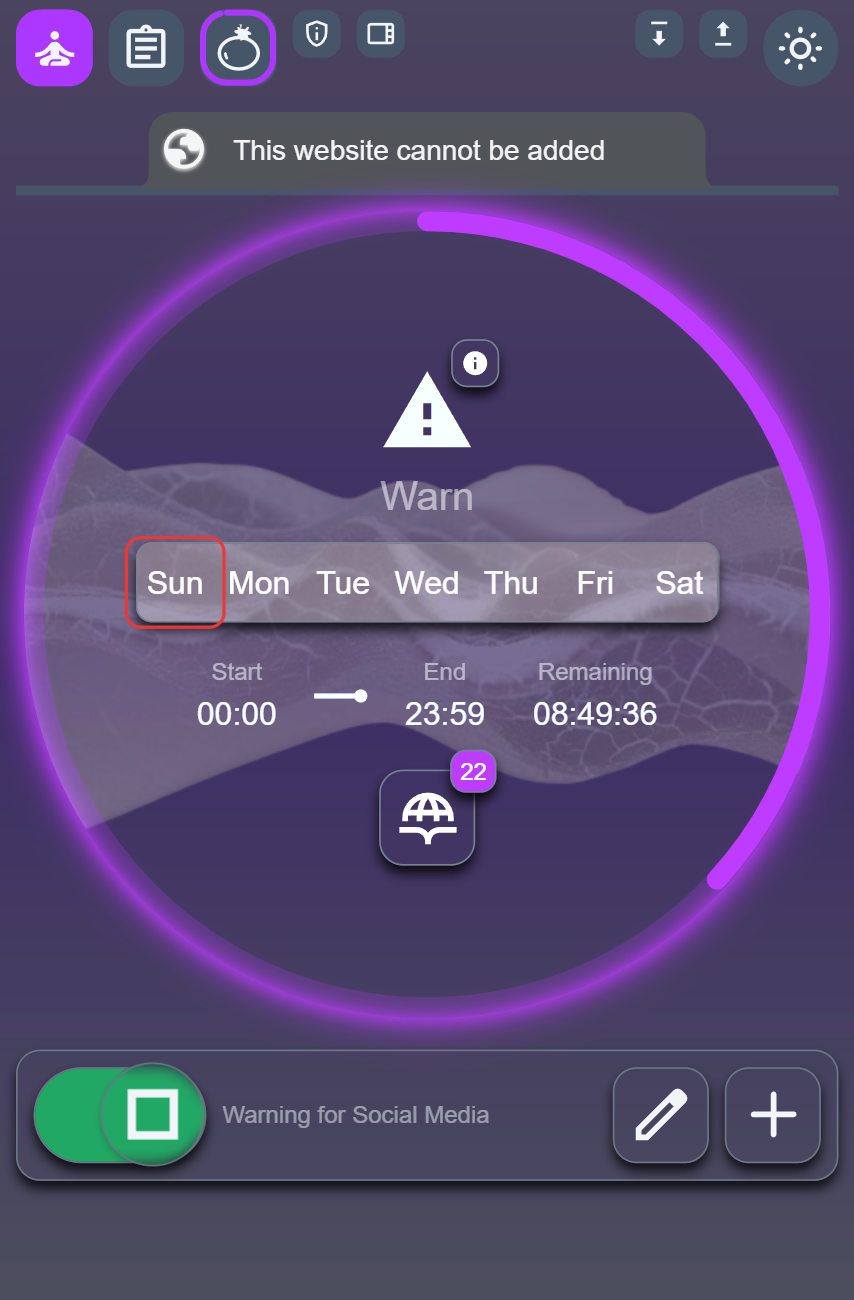
Create focus periods for any time range and any days of the week. Morning routine, work hours, study time — Digital Zen enforces the schedule so you don't have to.
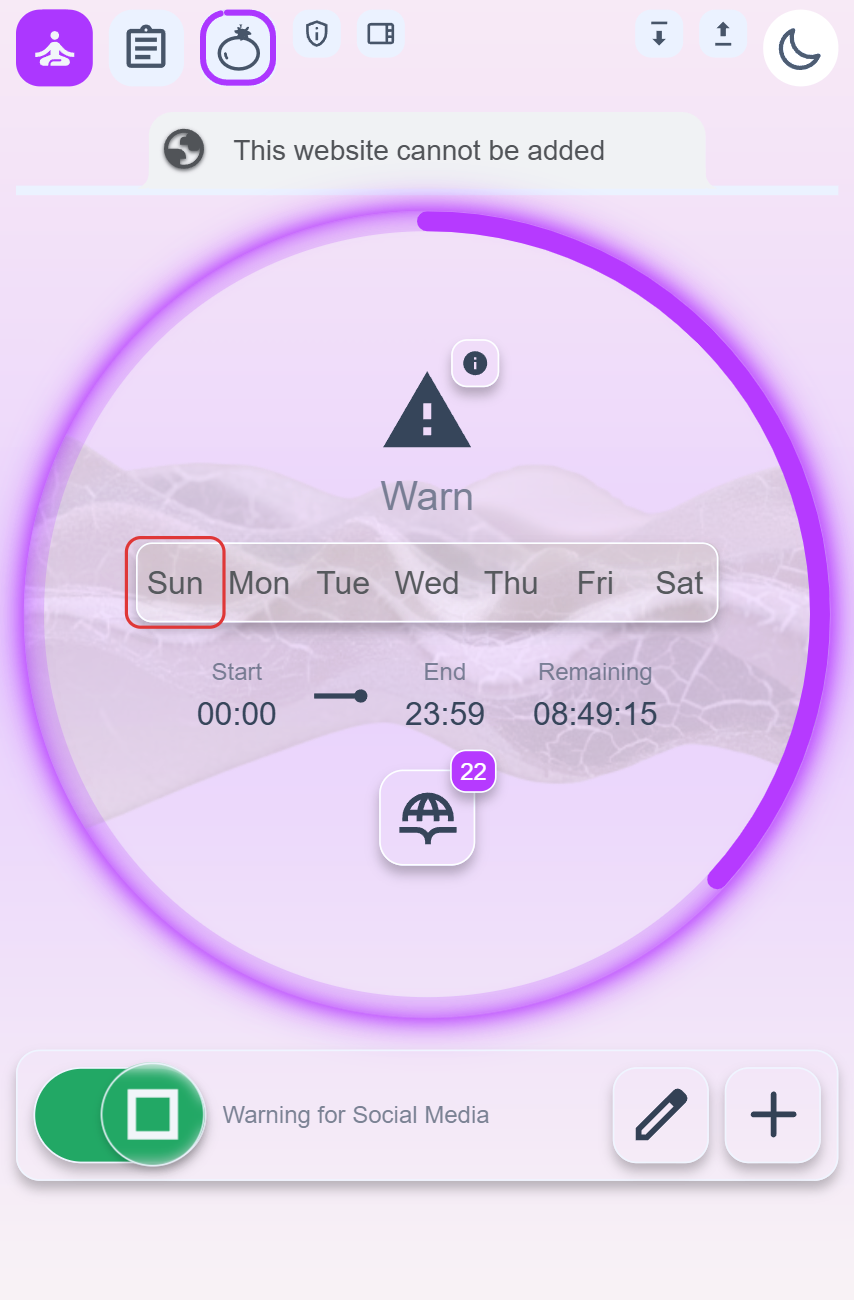
Full block closes the tab instantly. Warning mode shows a reminder you can dismiss. Whitelist mode lets only your approved sites through — everything else is blocked.
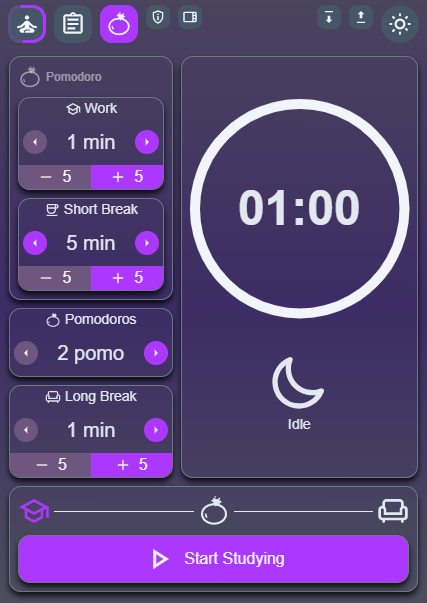
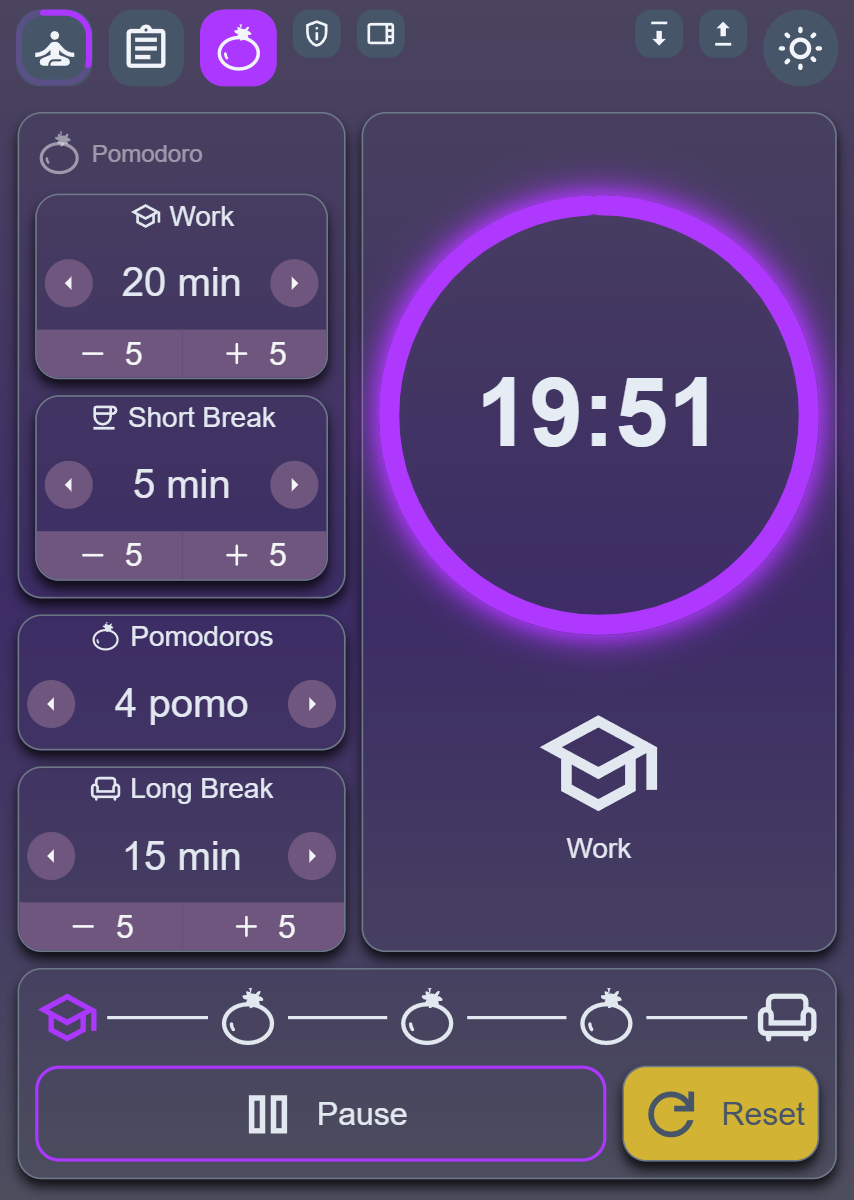
Work, short break, long break — all configurable. The visual progress ring and browser notifications keep you on track without breaking your concentration.
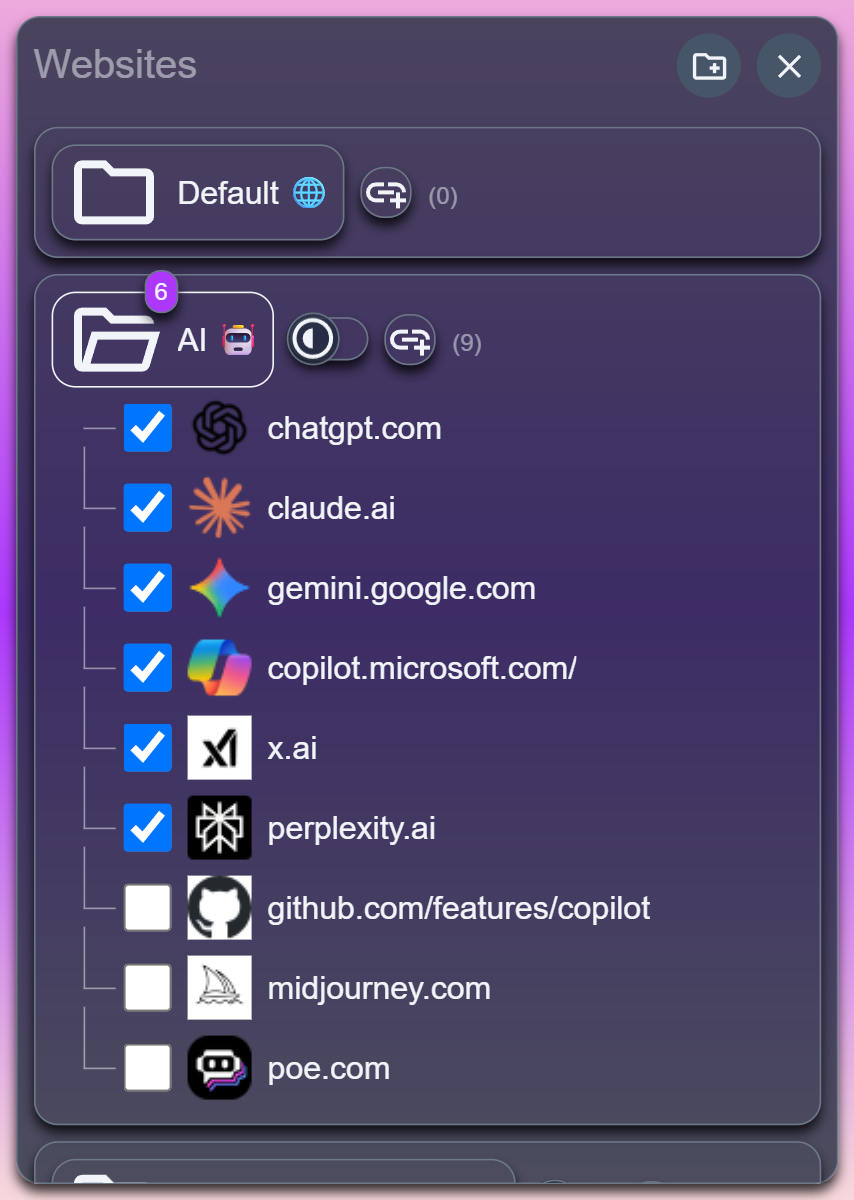
Instagram, TikTok, Reddit, Netflix, YouTube and 100+ more are pre-organized into folders. Toggle entire categories on or off in one click.
Click "Add to Chrome" — takes 10 seconds
Pick which sites to block and when
Hit the toggle and get to work
Setup takes 2 minutes. No account required.
Add to Chrome — Free
"Finally a focus extension that doesn't feel like bloatware. Installed, configured in 2 minutes, works perfectly."
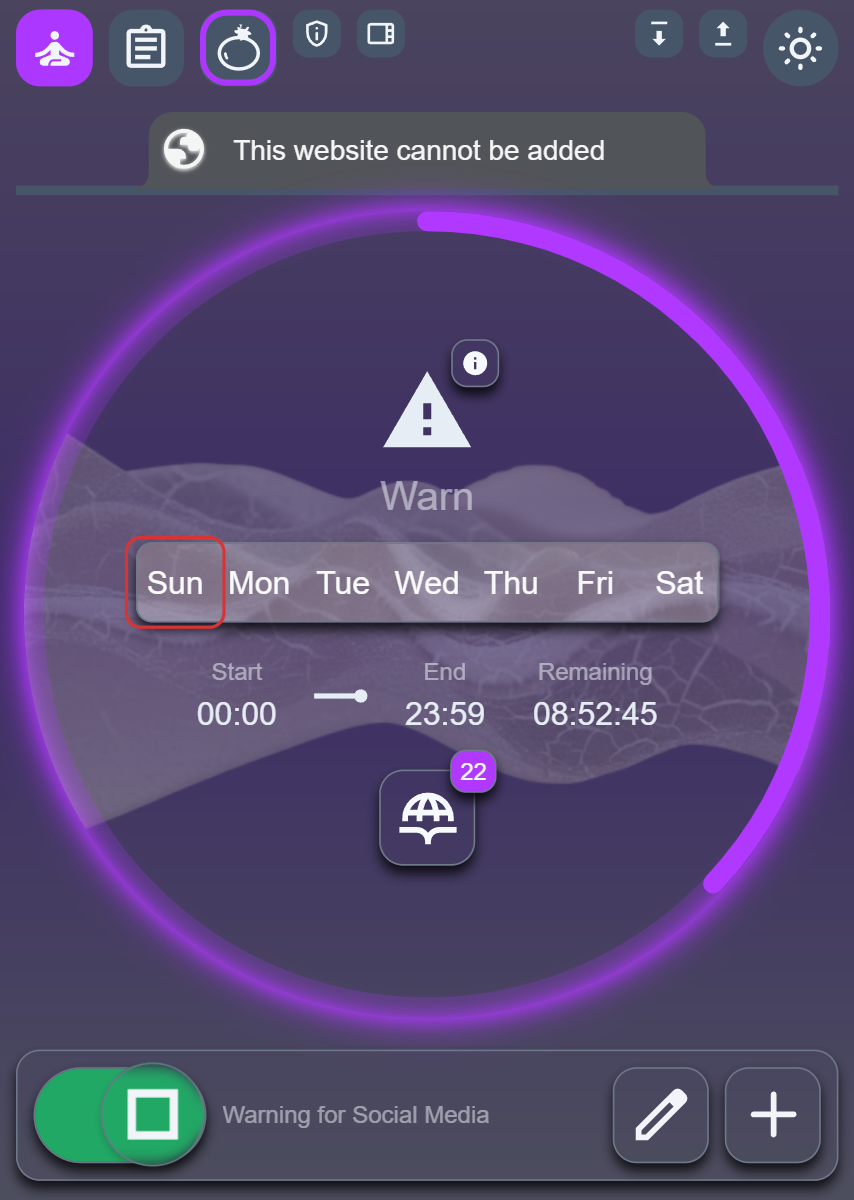
"The warning mode instead of full blocking is exactly what I needed — gentle nudge, not a wall."
"Pomodoro + site blocking in one tool. No more switching between apps."
Free. No account. Works 30 seconds after install.
Install Digital Zen
★★★★★ · Chrome Web Store · Open Source · MIT